 Nest
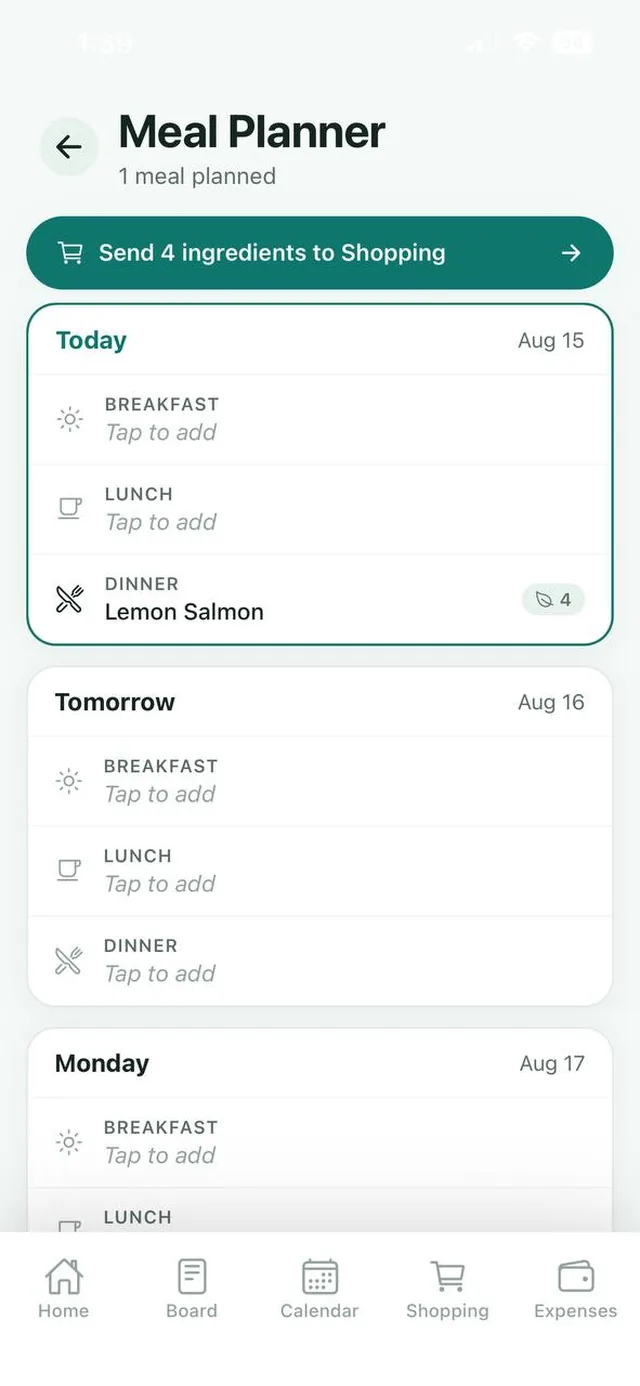
A clear week view
Start with Today, then Tomorrow and the days ahead, each with breakfast, lunch and dinner.
Decide what the family is eating once a week. Nest lays out breakfast, lunch and dinner day by day and turns your plan into a shopping list.
Free for up to 3 family members, with no ads. Available on iPhone and Android.
Start with Today, then Tomorrow and the days ahead, each with breakfast, lunch and dinner.
Add the ingredients as you plan. A small badge shows how many each meal needs.
Send ingredients to Shopping adds everything you need to the family shopping list.
Deciding what to cook every evening is one of the most tiring parts of running a home. Planning ahead takes the pressure off, cuts down on last minute takeout and makes the weekly grocery run faster.
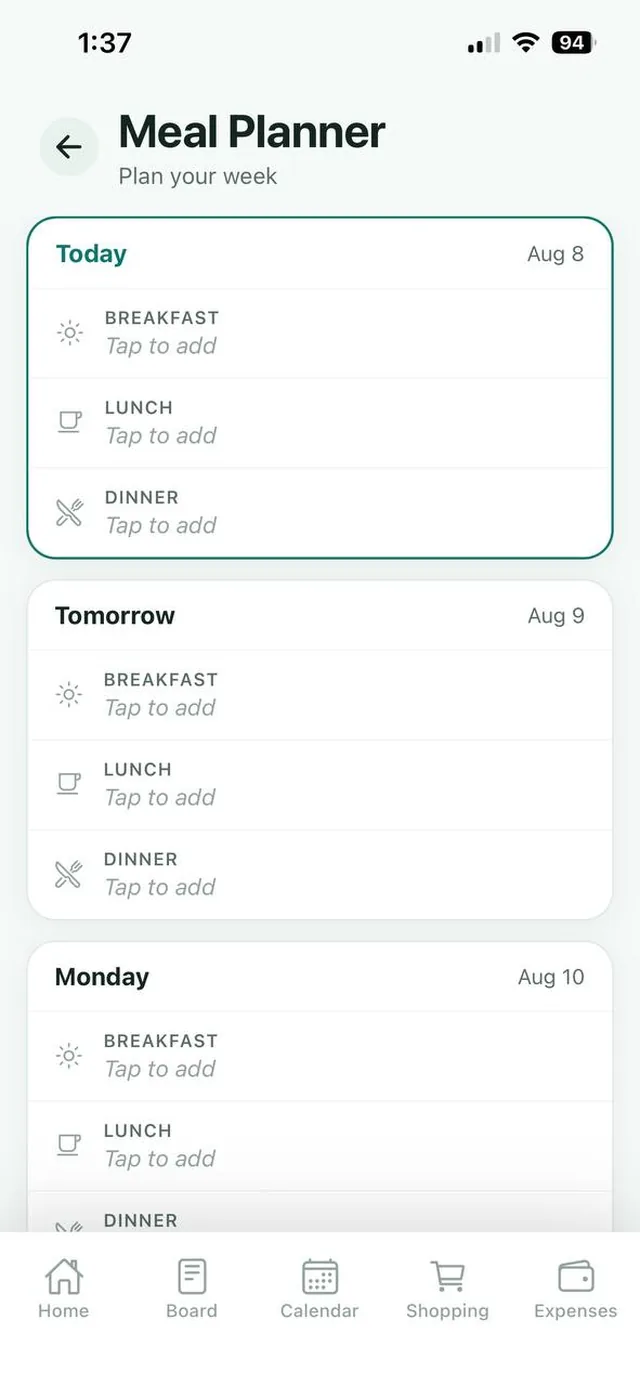
The Nest meal planner shows the week as a simple list of days. Each day has a slot for breakfast, lunch and dinner. Tap a slot, add the meal and its ingredients, and the whole family can see what is coming up.
When the week is planned, one tap sends the ingredients to your shared shopping list, so whoever does the shopping has everything they need.
Plan dinners together on Sunday and take turns cooking through the week.
See Nest for couples For busy parentsQuick meals on practice nights, slower ones at the weekend, all decided in advance.
See Nest for busy parents For families with teensEveryone can see what is cooking, so nobody is surprised at dinner time.
See Nest for families with teensNeed more detail? The Nest Help Center has step by step guides.
Tap the Meals tile on your Nest Home screen.
Tap “Tap to add” on breakfast, lunch or dinner, then add the meal and its ingredients.
Tap Send ingredients to Shopping at the top of the planner.
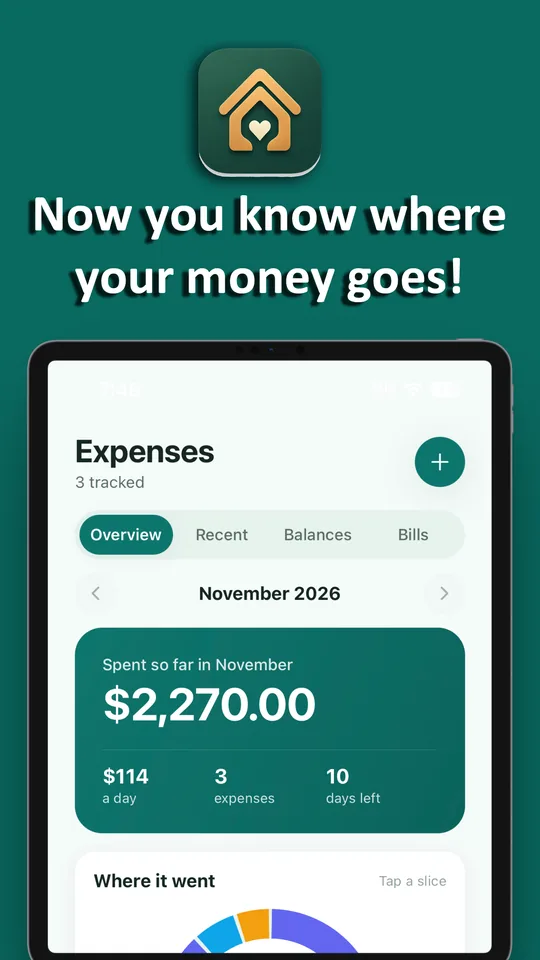
Planning dinners ahead is one of the simplest ways to know what the week will cost. Send the ingredients to the shopping list, then record the shop in Expenses.
Open the Meals tile on the Home screen, tap “Tap to add” on the breakfast, lunch or dinner slot you want, then enter the meal and its ingredients.
Yes. Tap Send ingredients to Shopping at the top of the Meal Planner. The button shows how many ingredients will be added to your shared shopping list, and Nest skips anything that is already on it.
Yes. The meal plan is shared with everyone in your family on Nest.
Each day has three slots: breakfast, lunch and dinner.
Yes. Nest is free for families of up to 3 members, with Nest Premium available for bigger families.
No. Nest has no ads anywhere in the app, including the meal planner, on the free plan or on Premium.
Nest has no ads and does not connect to your bank. It needs only permission to send notifications, and its privacy policy states that it does not sell your personal information. Content you add is visible to the members of your family.

Free for up to 3 members, with no ads. Download it today on iPhone or Android.