Notice Board
Post announcements, urgent heads-ups, questions, ideas, reminders and celebrations for the whole family to see.
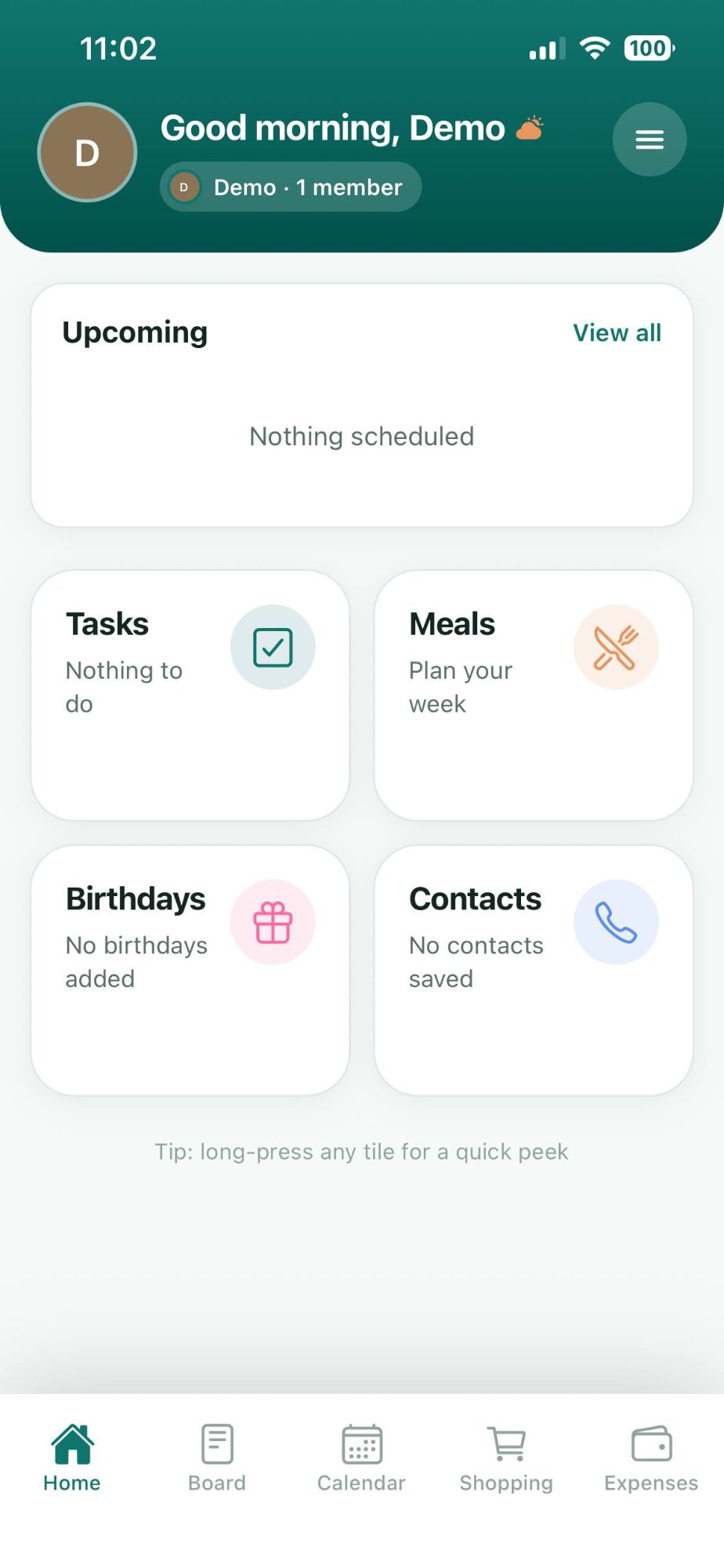
Nest brings notices, shopping lists, meals, the calendar, tasks, birthdays and expenses together, so everyone at home is on the same page, without the group-chat chaos.
Available for iPhone and Android phones.
Eight simple tools that cover the daily rhythm of a household, each one fast to open and easy for everyone to use.
Post announcements, urgent heads-ups, questions, ideas, reminders and celebrations for the whole family to see.
Plan breakfast, lunch and dinner for the week ahead.
Shared lists with quantities, multiple lists and an archive.
See what's coming up for everyone, at a glance.
Share the load with simple to-dos the whole family can tick off.
Never miss one again, with a countdown to the next big day.
Keep track of household spending in one shared spot.
The plumber, the school, the paediatrician. Save the numbers your family needs where everyone can find them.
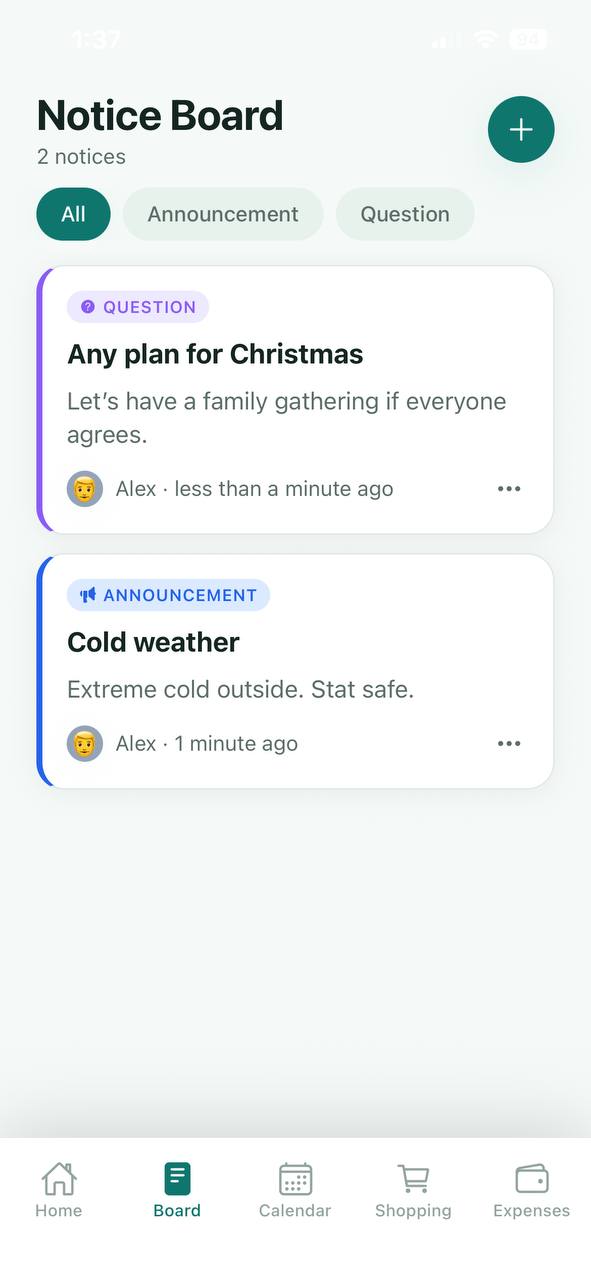
No more scrolling through a hundred messages to find the one that mattered. Pin what's important in a place everyone checks.
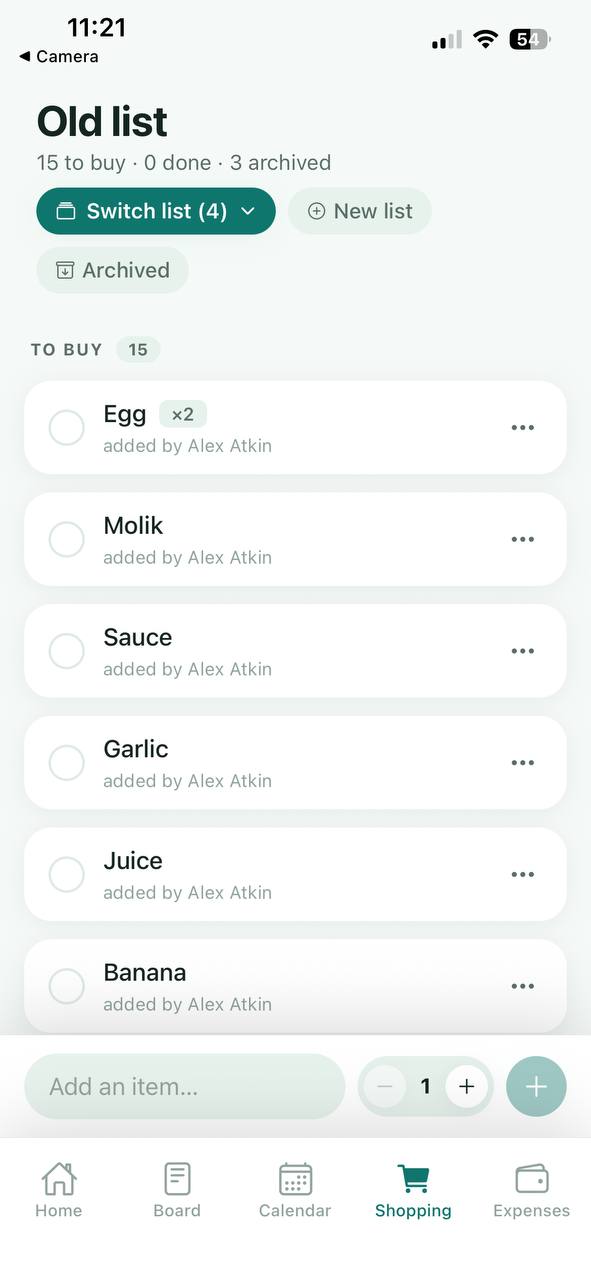
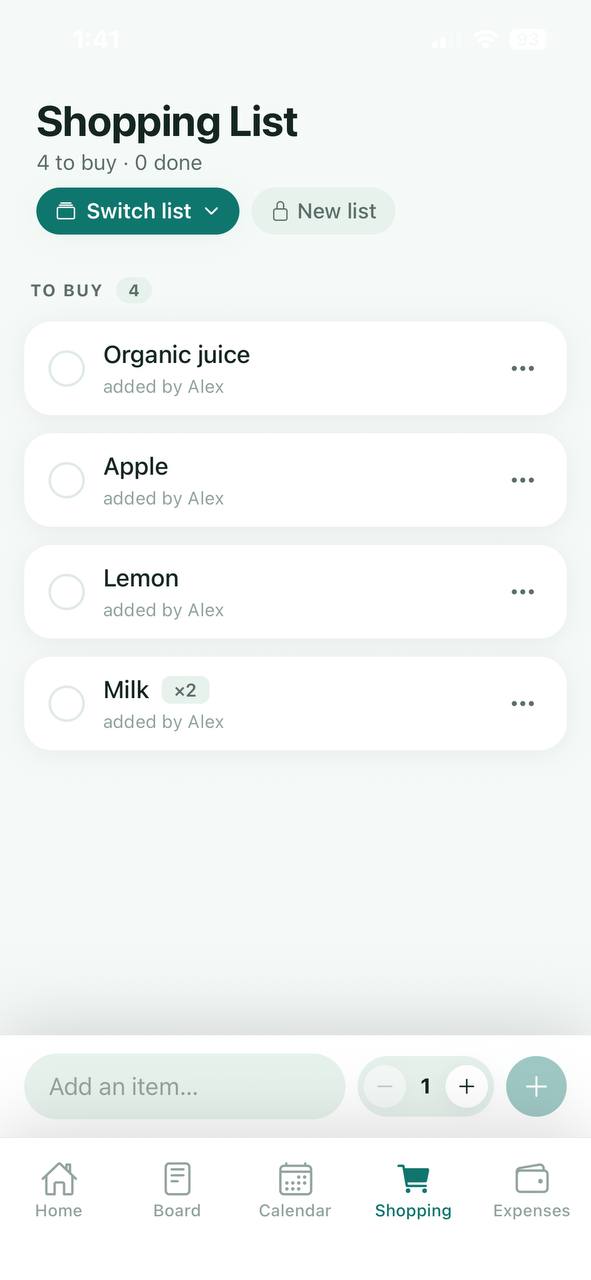
Add items as you think of them, see who added what, and tick things off as they go in the basket.
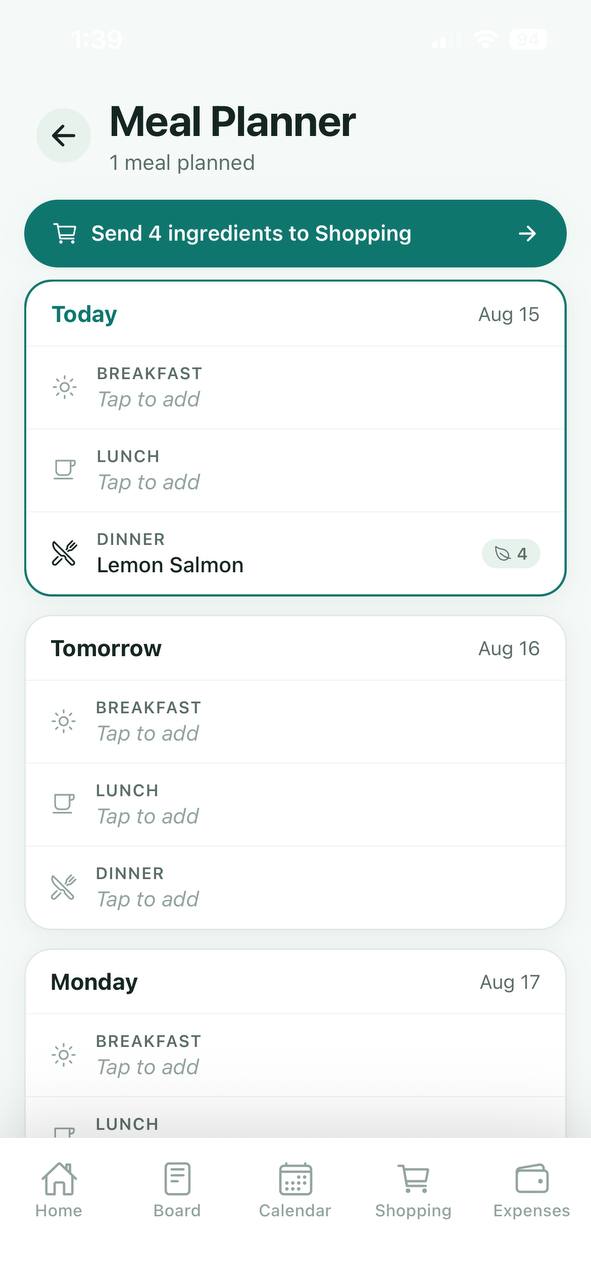
Decide what's for dinner once, then let Nest do the tedious part: turn your planned meals into a shopping list.
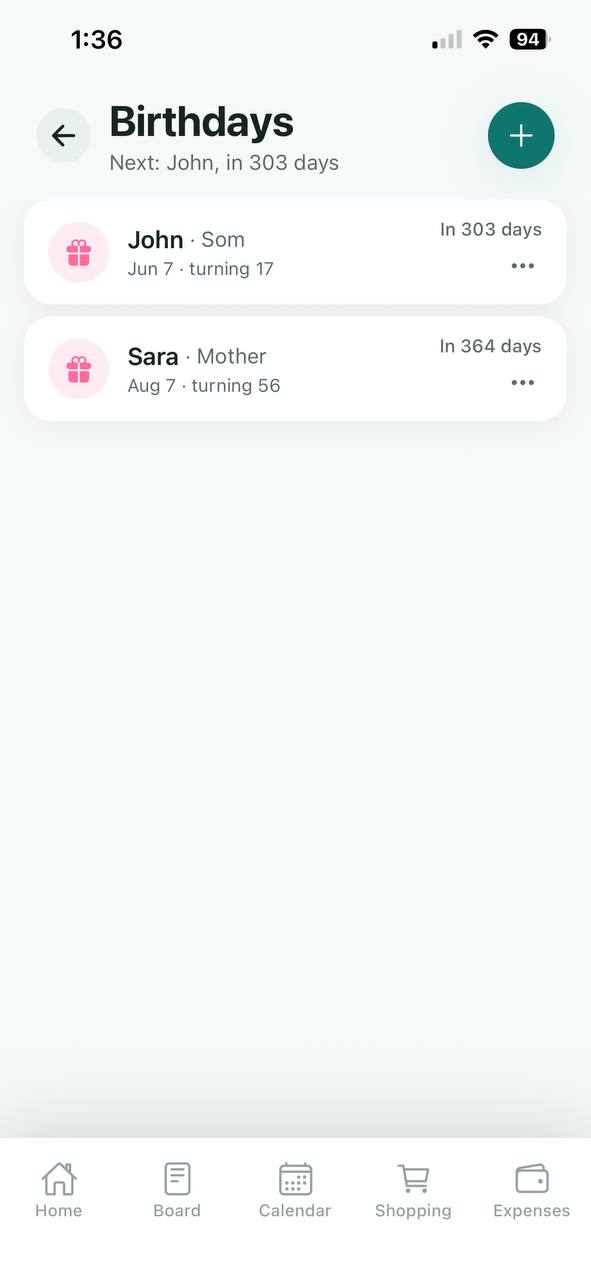
Add birthdays with a relationship label and see exactly how many days to go and how old they're turning. Keep important phone numbers handy for the whole household.
No complicated setup. Create your family, invite the others and start sharing.
Download Nest, sign up and set your name and avatar.
Name your family and share the invite code or link with the people you live with.
Post a notice, add to the shopping list, plan dinner, and everyone sees it instantly.
Quick answers about Nest. Need more detail? Visit the Help Centre.
Nest is a shared family organiser app for iPhone and Android. It brings your family's notice board, shopping lists, meal planner, calendar, tasks, birthdays, contacts and expenses into one place so everyone at home stays on the same page.
Yes. Nest is free for families of up to 3 members. If your family is bigger, a family admin can upgrade to Nest Premium to add more members and unlock everything.
Nest is available for iPhone from the App Store and for Android phones from Google Play.
Open the menu from the Home screen, tap Share invite and send the invite to your family member. They download Nest, create an account and join your family with the invite.
Yes. Plan breakfast, lunch and dinner in the Meal Planner, then tap Send ingredients to Shopping to add everything you need to your shared shopping list.
Everything you add in Nest is shared with the members of your family inside the app, so everyone sees the same notices, lists and plans.
The Nest Help Centre has step by step guides for creating an account, setting up your family and using every feature, with a search to find answers quickly.

Download the app, invite the people you love and make everyday life a little lighter.